TunnelBear is a beginner-friendly VPN that encrypts your internet connection and masks your public IP address, helping you browse more privately. Its straightforward apps and free plan make it an accessible option for anyone looking to try a VPN without committing to a subscription.
However, a VPN doesn’t make you completely anonymous or guarantee protection against account theft. In this review, we examine TunnelBear’s privacy features, performance, pricing, and limitations to help you decide whether it meets your needs.
What is TunnelBear?
TunnelBear is a Virtual Private Network (VPN) founded in 2011 and based in Toronto, Canada. McAfee acquired the service in March 2018. Its apps encrypt your internet connection and mask your public IP address to help improve your online privacy. With this VPN in the USA, you can also access information and websites from other countries that would normally have been restricted in your location.
TunnelBear may help you access websites blocked by your local network or location. Its GhostBear feature can make VPN traffic harder to detect on restrictive networks, although connections may still be blocked in countries with strict internet censorship.
Is TunnelBear free?
TunnelBear offers a free plan with 2GB of data per month. It’s intended for testing the service and occasional use rather than regular streaming or large downloads. The current plans are Free, Unlimited, and Teams. Here’s how they compare.

- Free with 2GB of VPN data per month for testing and limited use.
- Unlimited, from $3.33/month, with unlimited data and devices, country selection, split tunneling, premium VPN servers, city-level server selection, and priority support.
- Teams, from $5.75/user/month, with features covered in the Unlimited plan, plus centralized billing and team administration tools for businesses with two or more users.
Free users also no longer have country selection or SplitBear, TunnelBear’s split tunneling feature, which lets you choose which apps or websites use the VPN connection. These features require a paid subscription.
On its websites, TunnelBear only supports card payments via Stripe, while in-app purchases can be made through the iOS App Store and Google Play Store.
How to create a TunnelBear free account
The TunnelBear’s free VPN plan may suit you if you:
- Want to test TunnelBear before paying for unlimited data.
- Need a VPN for occasional, low-data browsing and aren’t interested in streaming or downloading torrents (btill, if you are interested, check our alternative rating of VPN services for streaming and the best torrent VPN).
- Only expect to use a VPN briefly while traveling.
Here’s how you get a free TunnelBear account:
- Download and install TunnelBear from its official website or your device’s app store.
- Open the app, select Create a Free Account, and enter an email address you can access and a strong, unique password.
- Open TunnelBear’s verification email and select Verify my account.
- Return to the app to finish signing in and connect to a server.
If the verification email doesn’t arrive, check your spam or junk folder. You can also request another verification email through the app or your account page
TunnelBear servers
TunnelBear operates more than 8,000 servers across 47 countries, with locations in Europe, Asia, Africa, the Americas, and Oceania. Here’s how its servers are spread out:
- Europe: Austria, Belgium, Bulgaria, Cyprus, Czechia, Denmark, Finland, France, Germany, Greece, Hungary, Ireland, Italy, Latvia, Lithuania, Moldova, the Netherlands, Norway, Poland, Portugal, Romania, Serbia, Slovenia, Spain, Sweden, Switzerland, and the United Kingdom.
- Asia: Indonesia, Japan, Malaysia, the Philippines, Singapore, South Korea, and Taiwan.
- Africa: Kenya, Nigeria, and South Africa.
- North America: Canada, Mexico, and the United States.
- South America: Argentina, Brazil, Chile, Colombia, and Peru.
- Oceania: Australia and New Zealand
Paid subscribers can choose their connection country, while eligible subscriptions also offer city-level selection in the United States and Canada. Free users no longer have manual country selection. If you don’t need a specific location, the Fastest Tunnel option automatically selects a server for you.
TunnelBear’s security and privacy features
TunnelBear combines encryption, modern VPN protocols, and a kill switch to help protect your connection. Its privacy policy also states that it does not log your browsing activity, DNS queries, or originating IP address when you connect to the VPN. However, it collects some account and operational information, so “no logs” should not be confused with “no data collection.”
- Strong encryption
TunnelBear encrypts traffic between your device and its VPN servers. It supports AES-256 encryption, though the actual algorithm used depends on the protocol and connection settings. The old claim that free users receive 128-bit encryption while paid subscribers get stronger protection should be removed
- Modern VPN protocols
TunnelBear supports WireGuard, OpenVPN, and IKEv2, with availability depending on your device. On Windows, macOS, and iOS, the options are WireGuard, OpenVPN, and IKEv2. On Android, it’s WireGuard and OpenVPN. You can also use the default Auto setting to let TunnelBear select a protocol. These options replace the outdated description of OpenVPN being limited to Android and Windows
- VigilantBear kill switch
VigilantBear is TunnelBear’s kill switch. It blocks unprotected traffic while the VPN reconnects, helping prevent your real IP address and data from being exposed during a connection interruption. TunnelBear currently lists this feature as available on Windows, macOS, iOS, and Android.
- GhostBear obfuscation
VigilantBear is TunnelBear’s kill switch. It blocks unprotected traffic while the VPN reconnects, helping prevent your real IP address and data from being exposed during a connection interruption. TunnelBear currently lists this feature as available on Windows, macOS, iOS, and Android.
- No activity logs, but some data collection
According to its privacy policy, TunnelBear does not collect or store your originating IP address when you connect to the VPN, DNS queries made while connected, or information about the websites, apps, or services you use through the VPN.
It does collect information needed to operate the service, including your email address, app and operating system versions, monthly data usage, device information, crash reports, and geographic information such as country or city. Some payment information is also retained when you subscribe.
TunnelBear’s customer support team
You couldn’t be more wrong if you think that a free or affordable service like TunnelBear lacks customer support services. The provider has a great, basic help forum where you can get basic questions answered, as well as an email support team that will get back to you within 24 hours to provide the help you need if you are suddenly struggling with your software or have any account inquiries.
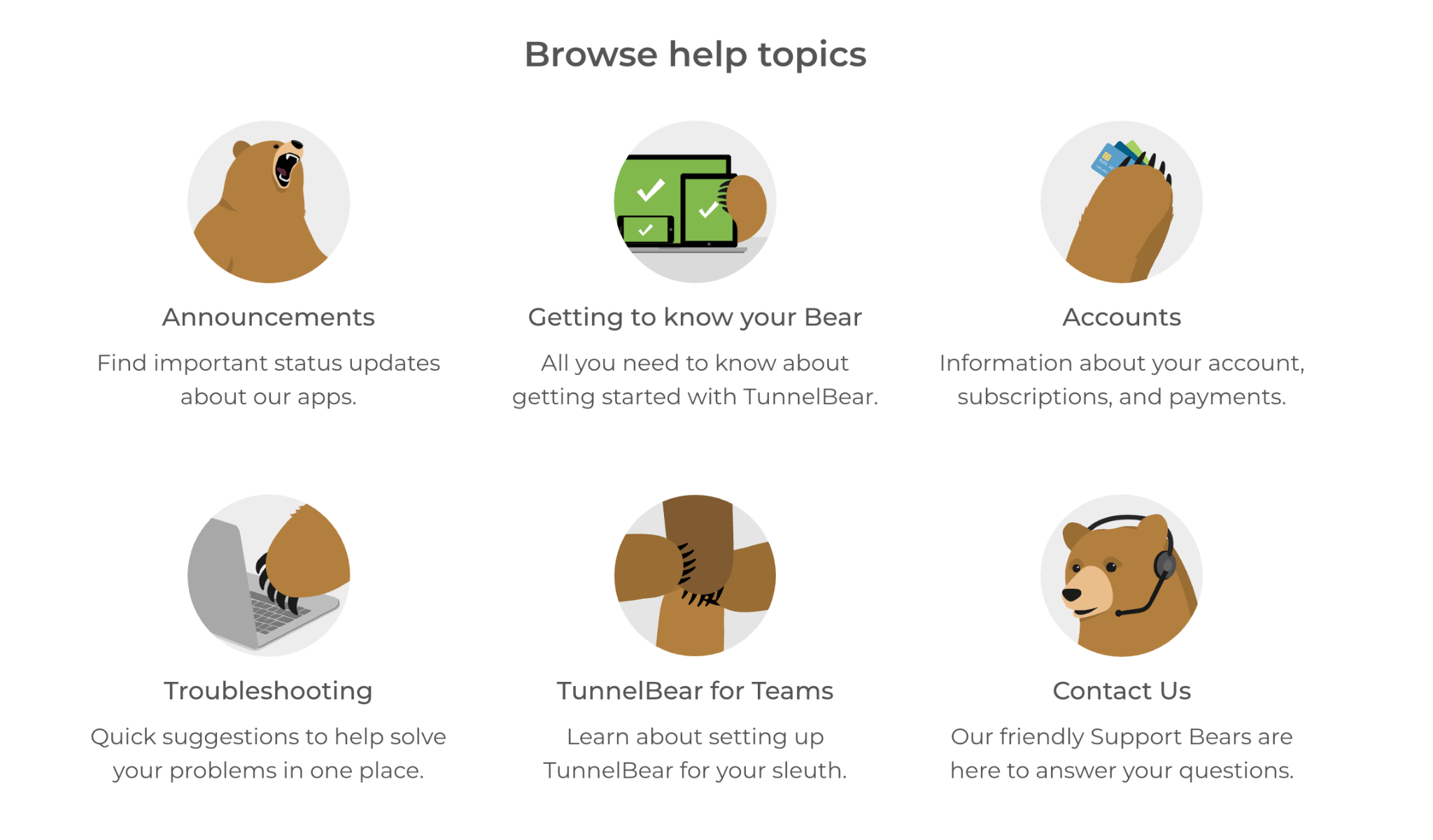
The support team is not the fastest, but it definitely offers great service to those who are in need.
TunnelBear’s terms of service and privacy policy
Before subscribing to TunnelBear, review its terms of service and privacy policy. These explain what information the company collects, how it uses that information, and the rules governing billing, cancellations, and refunds.
What information does TunnelBear collect?
TunnelBear collects account and operational information needed to provide and maintain its service. This includes:
- Your email address.
- Your operating system and TunnelBear app versions.
- Whether your account has been active during the current month.
- Your total monthly data usage.
- Other technical information described in its privacy policy, including device information and crash reports.
For credit card payments, TunnelBear stores the cardholder’s last name, the date of card use, and the last four digits of the card number. It does not store complete credit card numbers, although its payment processors handle additional information needed to process transactions and prevent fraud.
What information does TunnelBear avoid logging?
According to its privacy policy, TunnelBear does not log visitors’ IP addresses on its website, originating IP addresses when users connect to the VPN, DNS queries made while connected, or information about the websites, apps, and services used through the VPN. This distinguishes its account and operational data collection from records of browsing activity.
Does TunnelBear share personal information?
TunnelBear says it does not sell or trade personal data for commercial purposes. However, it can share information with service providers that support functions such as payment processing, customer support, infrastructure, and analytics.
The company may also disclose information it holds when legally required to comply with a valid subpoena, warrant, or other legal process. Its no-activity-logging policy does not mean that all account information is exempt from disclosure.
Subscriptions, cancellations, and refunds
TunnelBear’s monthly and annual subscriptions renew automatically unless canceled in advance. Canceling prevents future renewals but does not automatically trigger a refund; paid access continues until the end of the subscription period.
The current terms provide a 30-day money-back guarantee for the first year of annual subscriptions purchased directly from TunnelBear. To qualify, you must contact support within 30 days of the original purchase. Monthly subscriptions, TunnelBear for Teams, and purchases through iOS or Google Play are excluded from this guarantee. Other refund requests may be considered individually, and partial refunds are not guaranteed.
Managing your personal information
You can request access to, correction of, or deletion of your personal information through the Privacy tab in your TunnelBear account. Some information may need to be retained to meet legal obligations, resolve disputes, or fulfill other purposes described in the privacy policy.
TunnelBear’s platforms and browser extensions
TunnelBear offers browser extensions for Chrome, Firefox, and Microsoft Edge, as well as desktop and mobile apps. It also provides a Teams subscription for businesses that want centralized billing and user management.
TunnelBear’s extensions encrypt traffic within the browser where they’re installed and change the public IP address websites see. They work on operating systems supported by the relevant browser, including Windows, macOS, Linux, and ChromeOS.
TunnelBear introduced a redesigned version of its browser extension in March 2026, adding features such as SplitBear to exclude selected websites from the tunnel and VigilantBear to block browser traffic during connection interruptions. The initial release covered Chrome and Edge, with Firefox support for the redesigned version announced as forthcoming. Feature availability can therefore differ between browsers.
However, an extension does not protect your entire device. Traffic from other browsers, standalone apps, and background services remains outside its protection. For broader coverage, use TunnelBear’s desktop or mobile app instead. You don’t need to run the extension alongside the desktop app to protect your browsing traffic.
Conclusions on TunnelBear
TunnelBear is an approachable VPN for users who value straightforward apps and uncomplicated setup. Its free plan includes 2GB of data per month, letting you try the service without paying. However, the data cap and lack of manual country selection make it better suited to occasional browsing than everyday use.
Paid subscriptions provide unlimited data, unlimited simultaneous device connections, and access to servers in 47 countries. TunnelBear also offers modern VPN protocols, a kill switch, and a no-logging policy for browsing activity. Its main drawbacks include limited free-plan functionality, no router support, and inconsistent access to streaming services.
TunnelBear pros
- Easy-to-use desktop and mobile apps.
- Free plan with 2GB of monthly data.
- Unlimited simultaneous device connections.
- More than 8,000 servers across 47 countries.
- Modern VPN protocols and a VigilantBear kill switch.
- No browsing activity logs, according to its privacy policy.
TunnelBear cons
- Free users cannot choose their connection country or use split tunneling.
- The 2GB free allowance is restrictive for streaming and large downloads.
- No router installation or manual VPN configuration support.