Nowadays internet users understand the necessity of VPN services: they give us opportunities for private, secure and anonymous online presence.
By the moment, we have reviewed 170+ VPN services: some of the reviewed VPNs are really strong, the others are ‘’weaker’’. What about WhoVPN?
Can you rely on this app as regards your online security and anonymity? What are pros and cons?
Learn about the details of WhoVPN in our review:
- Tariffs and prices
- Info on servers in different countries
- Functions of WhoVPN
- Security and privacy
- Support service
- Platforms
- Client account procedures
- Summary
Tariffs and prices
WhoVPN, formerly known as Whoer VPN, is not free of charge; you need to pay money for its subscription. Three plans for different periods are offered: 1 month, 1 year and 2 years.
You need to know that the longer subscription period is, the cheaper cost is. Thus, subscribing for 1 month, you will have to spend $9.90, while a 1-year and 2-year periods will cost much cheaper ($29.90 and $49.90), which lets you save 75% and even 79%!
The packages do not differ by features, all of them are included, and all the servers in 20 countries are available for the customers who obtain any of three plans.
It’s good news that WhoVPN has a free version for an unlimited period of time, during which you may try the service. Still, VPN connections are available only via one country: the Netherlands. Not enough for using it for free during a long period of time?
That’s really true! But it’s worth trying for free first if you are a beginner.
If you decide that WhoVPN suits your needs and you are ready to obtain a paid subscription, you need to know that various payments are accepted: Ethereum, cryptocurrency, QIWI, Yandex Money, PerfectMoney or Webmoney.

Info on servers in different countries
Like any VPN service, WhoVPN has its own server park in 20 countries located in different world regions. Among those 20 countries are Russia, the USA, Canada, Germany, the Netherlands, the UK, France, Italy, Switzerland, Singapore, Romania, Spain, Hong Kong. You can even test servers' ping on the website.

Functions of WhoVPN
WhoVPN can be applied to perform various tasks. Thus, you can do the following with the help of WhoVPN in an anonymous and secure way:
- Hide your true identity from prying eyes.
- Use public Wi-Fi and be protected against hacking attacks.
- Download torrents anonymously.
- Make secure payments online and bank transfers.
- Protect your online business against virtual hazards.
- Avoid ISPs monitoring what you do online.
- Take use of it on an unlimited number of devices.
- Unblock Netflix, BBC IPlayer, Amazon Prime video, and Hulu.
Security and privacy
Every internet user should know that VPN services are more secure and privacy-oriented than proxies. The essential reason why to prefer WhoVPN to any proxy is that the traffic will be thoroughly encrypted while connections via proxies make you only anonymous.
It offers OpenVPN, L2TP, SSTP, and SoftEtherVPN protocols and AES-256 encryption to keep your internet traffic and personal data secure.
The developer emphasizes that WhoVPN is secure for Wi-Fi, online payments and bank transfers. It hides your activities from ISPs as they won’t know what you visit on the Internet.
Moreover, WhoVPN is located in the Republic of Nauru and under the jurisdiction of this country. That’s great as it is out of 5 or 14 eyes.
Support service
In case you have questions to the provider of WhoVPN, you may contact them via live chat which you can find in “Help” section.
Platforms
WhoVPN has apps for all popular platforms. This includes Windows, macOS, Android, and iOS. It also supports Linux and routers.
Client account procedures
Let’s find out if it is difficult to download and run WhoVPN software. Here is our step-by-step instruction (see other VPN setup instructions):
- Download the VPN from WhoVPN’s official website.
- Install WhoVPN on your chosen device.
- Sign up and log in to your account.
- Choose a country and connect to a server.
- Browse the internet securely and anonymously.
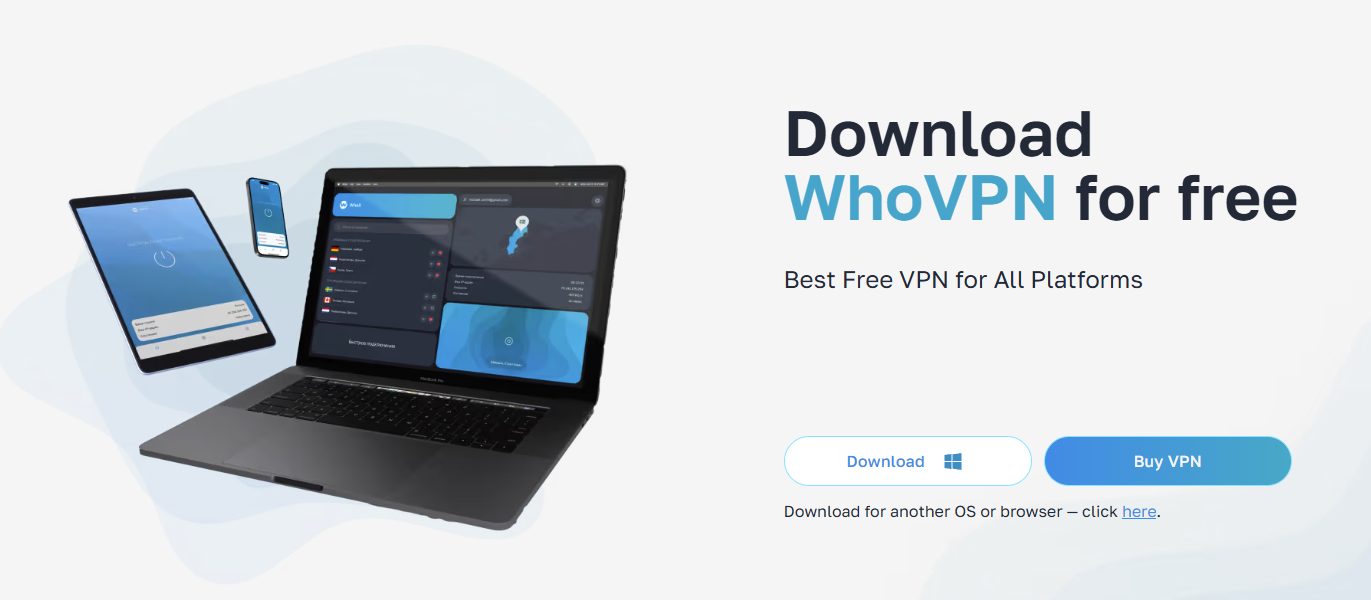
All in all, WhoVPN app is easy to install and use. As far as its connection speeds are concerned, it slightly slows down the Internet, but it doesn’t influence so much the overall internet usage.
Summary
What’s the verdict? Well, taking into consideration the features and test results, we should say the VPN is not the best, but it’s worth trying for unblocking streaming sites and anonymous surfing on the network.
WhoVPN pros:
- User-friendly apps
- Unlimited free version
- Encrypted connections
- Available for unlimited devices
- VPN's jurisdiction
WhoVPN cons:
- No WireGuard support
- Servers in only 20 countries
What do you think of WhoVPN? Leave us a comment! Thanks for reading us!